 Tapnod
The short answer
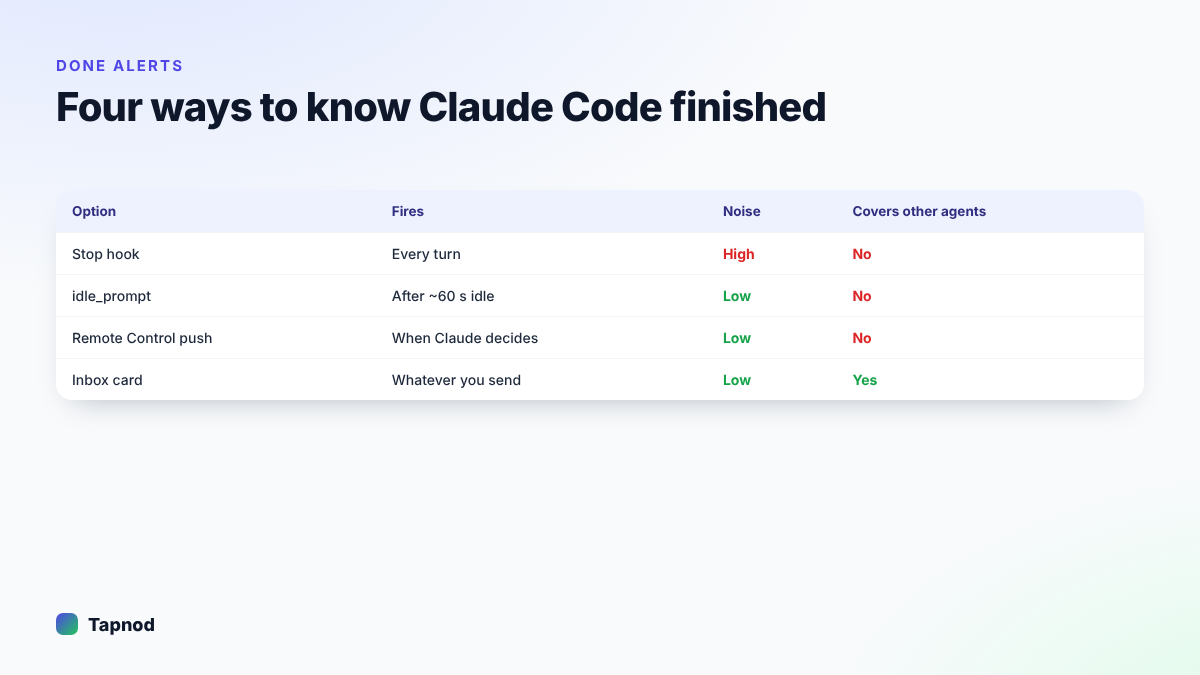
There are four good ways to get a notification when Claude Code is done:
- A
Stophook that runs a notify command every time Claude finishes a turn. - A
Notificationhook with theidle_promptmatcher, which fires about a minute after Claude stops and you haven't typed. - Remote Control push to the Claude app, with "Push when Claude decides" turned on.
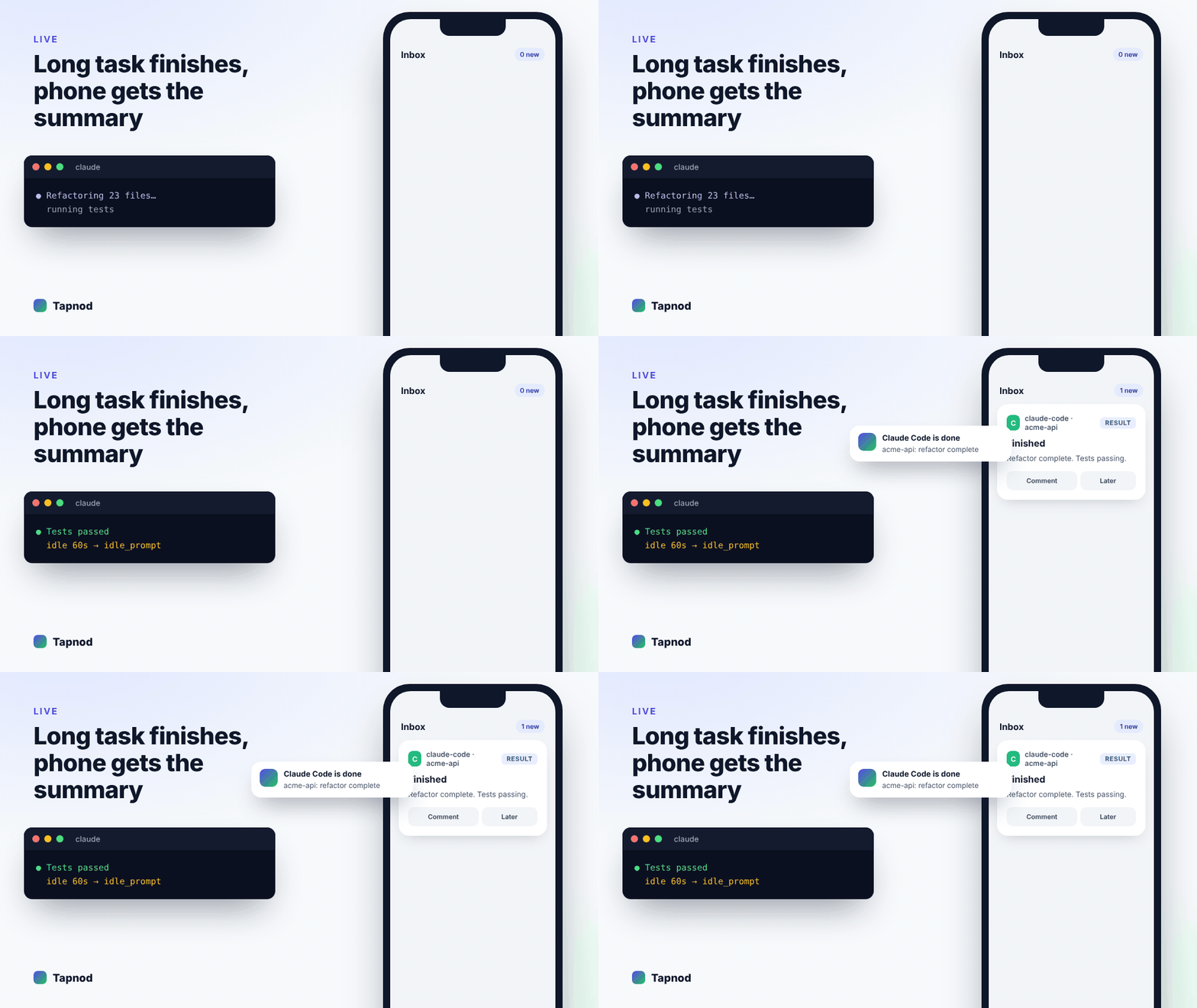
- An agent inbox that receives a "done" card from a hook, alongside other agents.
If you only want one, use idle_prompt. It's quiet during active back-and-forth and fires when you've actually walked away.
"claude code notification when done" gets about 40 US searches a month at a keyword difficulty of 21, part of a wider family of notification searches led by "claude code notifications" at 260 (Semrush, November 2026). The use case is always the same: you started something long and don't want to keep checking.
Way 1: the Stop hook
Stop fires whenever Claude finishes responding. It gets last_assistant_message on stdin, so your notification can include what Claude said.
{
  "hooks": {
    "Stop": [
      {
        "hooks": [
          {
            "type": "command",
            "command": "jq -r '.last_assistant_message // \"Done\"' | head -c 120 | xargs -0 -I{} osascript -e 'display notification \"{}\" with title \"Claude Code is done\"'"
          }
        ]
      }
    ]
  }
}
That one-liner is macOS-only and fragile with quotes in the message. For anything beyond a quick test, call a small script instead. The trade-off with Stop is noise: it fires after every turn, even a one-line answer. Our Stop hook guide shows how to filter it.
Way 2: idle_prompt
The Notification hook's idle_prompt matcher fires when Claude finished responding about 60 seconds ago and you haven't typed since. That's a good definition of "done and I'm not watching".
{
  "hooks": {
    "Notification": [
      {
        "matcher": "idle_prompt",
        "hooks": [
          { "type": "command", "command": "notify-send 'Claude Code' 'Finished and waiting for you'" }
        ]
      }
    ]
  }
}
Swap notify-send for osascript on macOS or a PowerShell call on Windows. Per-OS commands, including sounds, are in Claude Code sound and desktop notifications.
Way 3: Remote Control push
If you use Remote Control with a claude.ai subscription, the Claude app can push to your phone. Run /config and turn on Push when Claude decides; Claude typically sends one when a long task finishes or when it needs a decision. You can also ask for it directly in your prompt: "notify me when the migration is done".
There's no per-event configuration beyond that toggle and Push when actions required. Pushes are skipped while you're typing in the connected terminal. Setup is in Claude Code Remote Control.
Way 4: a done card in an inbox
Desktop alerts disappear, and phone pushes from five different tools get ignored. If you run several agents, send "done" events to one inbox where they sit next to approvals and errors.
The hook side looks like Way 1, but the command posts to your inbox's webhook instead of showing a desktop alert. The card can carry the folder name, the turn's last message and a link back. You read it when it suits you, and nothing gets lost when you clear your notification shade.
Compare the four
| Stop hook | idle_prompt | Remote Control push | Inbox card | |
|---|---|---|---|---|
| Fires | Every turn | After ~60 s idle | When Claude decides | Whatever your hook sends |
| Noise | High | Low | Low | Low, and it's grouped |
| Includes the result | Yes | The notification message | Opens the session | Yes |
| Works with API-key login | Yes | Yes | No | Yes |
| Works on a remote server | With a webhook | With a webhook | Yes | Yes |
| Covers other agents | No | No | No | Yes |
Done isn't always done
"Claude stopped" and "the task is finished" are different things. A turn can end because Claude finished, because it has a question, because it hit an error, or because it thinks it's done when it isn't. Treat these as separate signals:
| What happened | Signal | What you probably want |
|---|---|---|
| Finished the task | idle_prompt or Stop |
A soft alert with the summary |
| Waiting on permission | permission_prompt |
A louder alert with the command |
| Asked a question in its reply | Stop with a question in last_assistant_message |
An alert that shows the question |
| Turn ended on an API error | StopFailure |
An alert, because the session is idle for nothing |
| Claims done, tests red | Stop hook that runs tests |
Send Claude back to work, no alert yet |
The last row is worth setting up once. A Stop hook that runs your test command and blocks with the failures means a "done" alert only reaches you when the work actually passes. Details in the Stop hook guide.
A simple trick for the "asked a question" row: check whether last_assistant_message ends with a question mark, and if so, send the alert with a different title, such as "Claude Code has a question". It's crude, but it catches the common case where Claude stops to ask which option you prefer.
Tips that make "done" alerts useful
- Name the project in the title. "Claude Code finished (acme-api)" beats "Claude Code finished".
- Include the first line of the result. You can often decide from the alert whether to go back now or later.
- Skip short turns. Filter out turns that took under a minute.
- Pair with a waiting alert. A task that's blocked on a permission prompt isn't done, and it deserves a louder alert. Use the
permission_promptmatcher for that. - Test the command by hand first. On macOS, Script Editor needs notification permission or
osascriptfails silently.
A worked example
Picture someone kicking off a large refactor before lunch. They have two hooks: idle_prompt posts "finished" to their phone, and permission_prompt posts "needs approval" with a different sound.
At 12:40 their phone shows "needs approval: npm install @types/node". They approve from Remote Control. At 13:15 "finished: refactor complete, 23 files changed, tests passing" arrives. They read the summary on the way back and review the diff at the desk. No checking, no stalled half hour.
Key takeaways
idle_promptis the quietest way to hear that Claude finished.- A
Stophook fires every turn and includes the final message, so filter short turns. - Remote Control push covers your phone on claude.ai plans; hooks cover everything else.
- Treat blocked, failed and finished as separate alerts with different urgency.
FAQ
How do I get notified when Claude Code finishes?
Add a Notification hook with the idle_prompt matcher, which fires about a minute after Claude stops and you haven't typed. Or use a Stop hook to run a notify command after every turn.
Can Claude Code notify my phone when it's done?
Yes. Turn on Push when Claude decides with Remote Control, or have a hook post to a push service or webhook.
Why do I get too many done notifications?
The Stop hook fires after every turn. Switch to idle_prompt, or filter short turns out in your script.
Can I include the result in the notification?
Yes. A Stop hook receives last_assistant_message, so you can put the first line of Claude's final message in the alert.
Where Tapnod fits
Tapnod turns "done", "needs approval" and "failed" from Claude Code and your other agents into one tidy inbox on your phone. Try it free.