 Tapnod
The short answer
Claude Code can tell you when it needs you in four ways: a desktop alert from a Notification hook, a sound, a push to the Claude app on your phone through Remote Control, or a webhook to any service you like. The hook route is the most flexible because you choose which events fire it, such as permission prompts only, or only when a session has been idle for a minute.
Most people need two things: a ping when Claude is blocked on a permission prompt, and a ping when a long task finishes. This guide covers both.
It's a common itch. "claude code notifications" gets about 260 US searches a month at a keyword difficulty of 22, and smaller variants like "claude code notification when done", "claude code sound notification" and "claude code vscode notification" add roughly 40 each (Semrush, November 2026).
The events worth knowing
The Notification hook fires when Claude Code wants your attention. Its matcher decides which kind of moment counts.
| Matcher | Fires when |
|---|---|
permission_prompt |
Claude needs you to approve a tool use and the prompt has waited about six seconds |
idle_prompt |
Claude finished responding about 60 seconds ago and you haven't typed since |
elicitation_dialog |
An MCP server opened an input form and you haven't typed for about six seconds |
agent_needs_input |
A background session starts waiting on you while agent view is open |
agent_completed |
A background session finishes or fails while agent view is open |
| empty string | Every notification type |
For "the task is done", the Stop hook is the usual tool. It runs when Claude finishes responding, so it fires once per turn. We go deeper in the Claude Code Stop hook.
Desktop notifications in three minutes
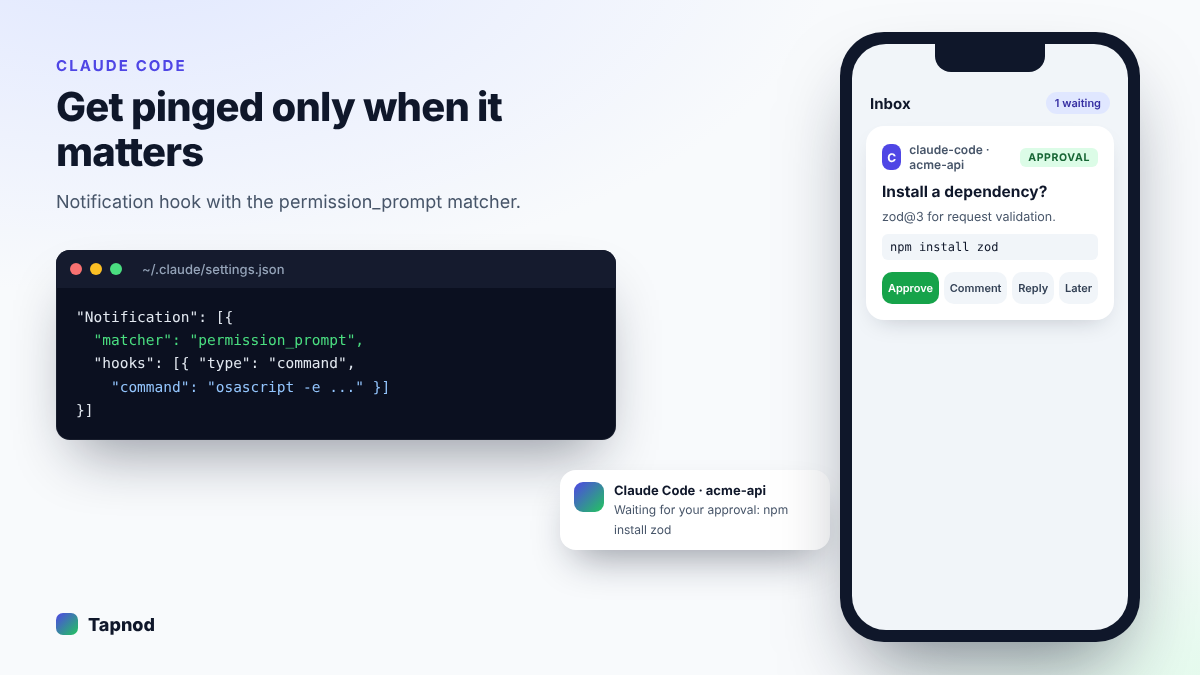
Add a Notification hook to ~/.claude/settings.json. This version only fires on permission prompts, which is the alert most people actually want:
{
  "hooks": {
    "Notification": [
      {
        "matcher": "permission_prompt",
        "hooks": [
          {
            "type": "command",
            "command": "osascript -e 'display notification \"Claude Code needs a permission decision\" with title \"Claude Code\"'"
          }
        ]
      }
    ]
  }
}
Swap the command for your platform:
| Platform | Command |
|---|---|
| macOS | osascript -e 'display notification "..." with title "Claude Code"' |
| Linux desktop | notify-send 'Claude Code' 'Claude Code needs your attention' |
| Windows (PowerShell) | A System.Windows.Forms.MessageBox call, which opens a dialog rather than a corner toast |
Two gotchas. On macOS, osascript sends notifications through Script Editor, and if Script Editor has no notification permission the command fails silently. Test it once in a terminal. On Linux, notify-send needs a notification daemon, which SSH sessions, headless servers and most containers don't have.
Type /hooks in Claude Code and check that your hook shows up under Notification. Full per-OS setups, including sounds, are in Claude Code sound and desktop notifications.
Phone notifications through Remote Control
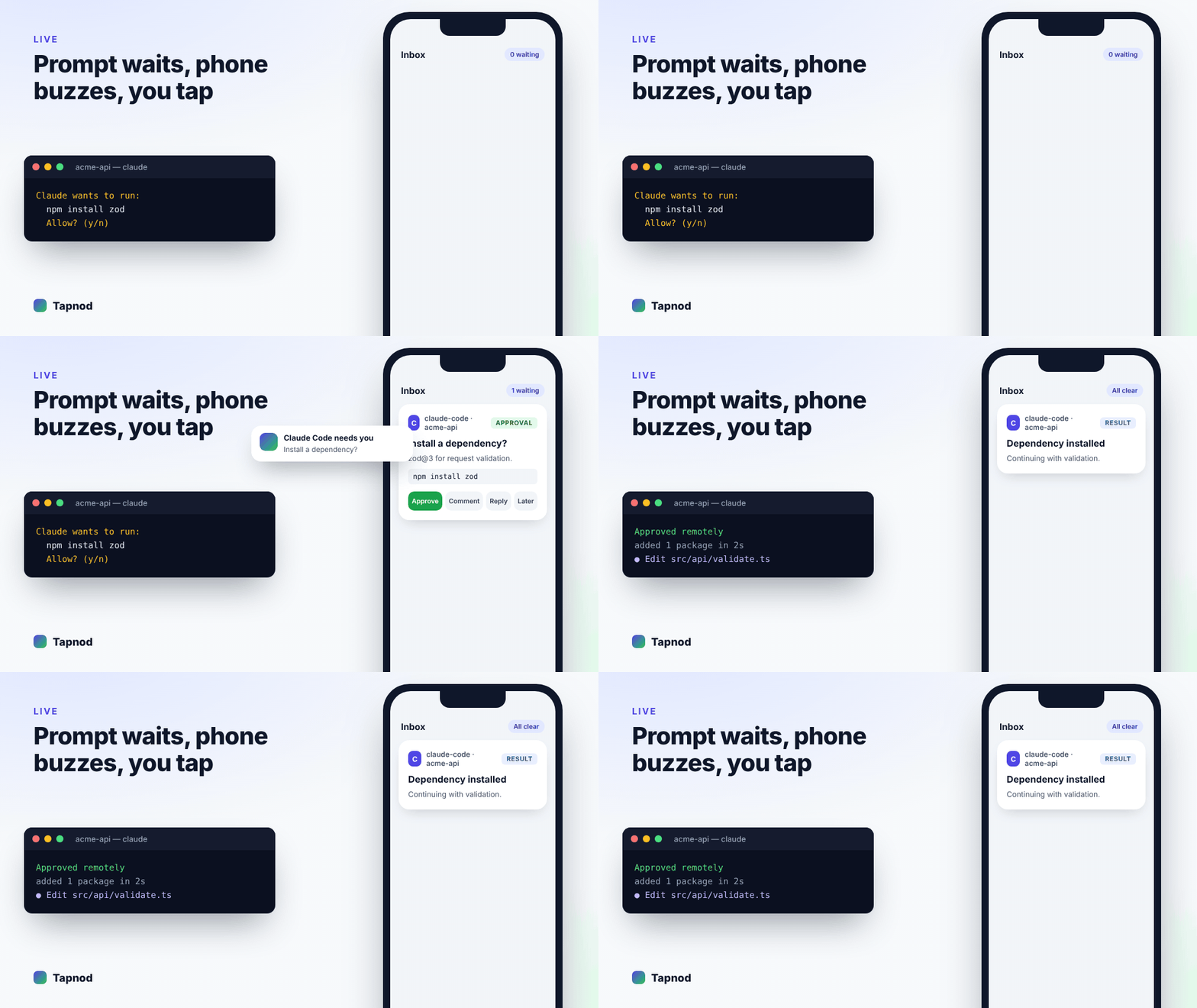
If you use Claude Code Remote Control, the Claude app can push to your phone. Install the app, sign in with the same account, allow notifications, then run /config and turn on one or both of these:
- Push when actions required: permission prompts and questions
- Push when Claude decides: Claude's own call, usually when a long task finishes
There's no per-event configuration beyond those two switches, and pushes are skipped while you're typing in the connected terminal. If you want to skip them whenever you're at the machine at all, the docs describe a presence-file setting, CLAUDE_CLIENT_PRESENCE_FILE, that you can toggle from a screen-lock listener.
Phone notifications without Remote Control
Remote Control needs a claude.ai subscription login, and it only covers Claude Code. If you run Claude Code with an API key, on a VPS, or alongside other agents, a hook that calls an HTTP endpoint is the portable option.
The simplest version posts a message to a push service. Many people use ntfy for this because a topic is just a URL:
# .claude/hooks/notify-phone.sh
#!/usr/bin/env bash
payload=$(cat)
msg=$(echo "$payload" | jq -r '.message // "Claude Code needs you"')
curl -s -H "Title: Claude Code ($(basename "$PWD"))" \
  -d "$msg" "https://ntfy.sh/$NTFY_TOPIC" > /dev/null
Make it executable with chmod +x, point a Notification hook at it, and you'll get pushes from any machine. Pick a long random topic name, since anyone who knows a public ntfy topic can read it.
Claude Code also supports "type": "http" hooks that POST the event JSON straight to a URL, with headers that can read environment variables you list in allowedEnvVars. That's handy when the receiver is your own service.
Which option fits
| You want | Use |
|---|---|
| A ping on the same computer | Notification hook with a desktop command |
| Phone alerts for one Claude Code session | Remote Control push |
| Phone alerts from servers or API-key setups | Hook plus a push service or webhook |
| Alerts from several agents in one place | An agent inbox that every agent reports to |
| To act on the alert, not only read it | Remote Control, or an inbox with approve and reply buttons |
That last row is where plain notifications fall short. A push that says "Claude Code needs your attention" still means walking back to the laptop. An alert you can answer from the phone, with the command, the diff summary and an approve button, ends the wait right there.
Avoid notification fatigue
Alerts that fire too often get muted, and then you miss the one that mattered. A few rules help.
- Match narrowly. Start with
permission_promptonly. Addidle_promptlater if you find you miss finished turns. - Name the project. Put the folder or repo name in the title so you know which session is asking.
- Include the ask. Pass the hook's
messagefield through, so the alert says what Claude wants. - Quiet the trusted stuff. Allow safe commands in your permission rules so prompts only appear for actions that deserve a look. See Claude Code permissions.
- Route by urgency. Production repos go to your phone; side projects can wait for the desktop.
FAQ
How do I get a notification when Claude Code is done?
Use a Stop hook to run a notify command whenever Claude finishes responding, or turn on Push when Claude decides if you use Remote Control. The idle_prompt notification matcher is another option: it fires about a minute after Claude stops and you haven't typed. More options in get pinged when Claude Code is done.
Why doesn't my Claude Code notification hook fire?
Check /hooks to confirm it's registered, run the command by hand to confirm the OS allows it, and make sure the matcher name is spelled exactly. On macOS, give Script Editor notification permission.
Can Claude Code notify me on my phone?
Yes, through Remote Control push in the Claude app, or through a hook that calls a push service or webhook. The hook route also works with API-key logins and on remote servers.
Do notifications work in the VS Code extension?
Hooks are read from the same settings files, so a Notification hook works there too. Timing for permission_prompt differs slightly between the terminal and hosts like VS Code. Details in Claude Code notifications in VS Code.
Where Tapnod fits
Tapnod turns "Claude Code needs your attention" into a card you can approve, reply to or snooze from your phone, and it collects the same alerts from your other agents too. Connect your first agent free.